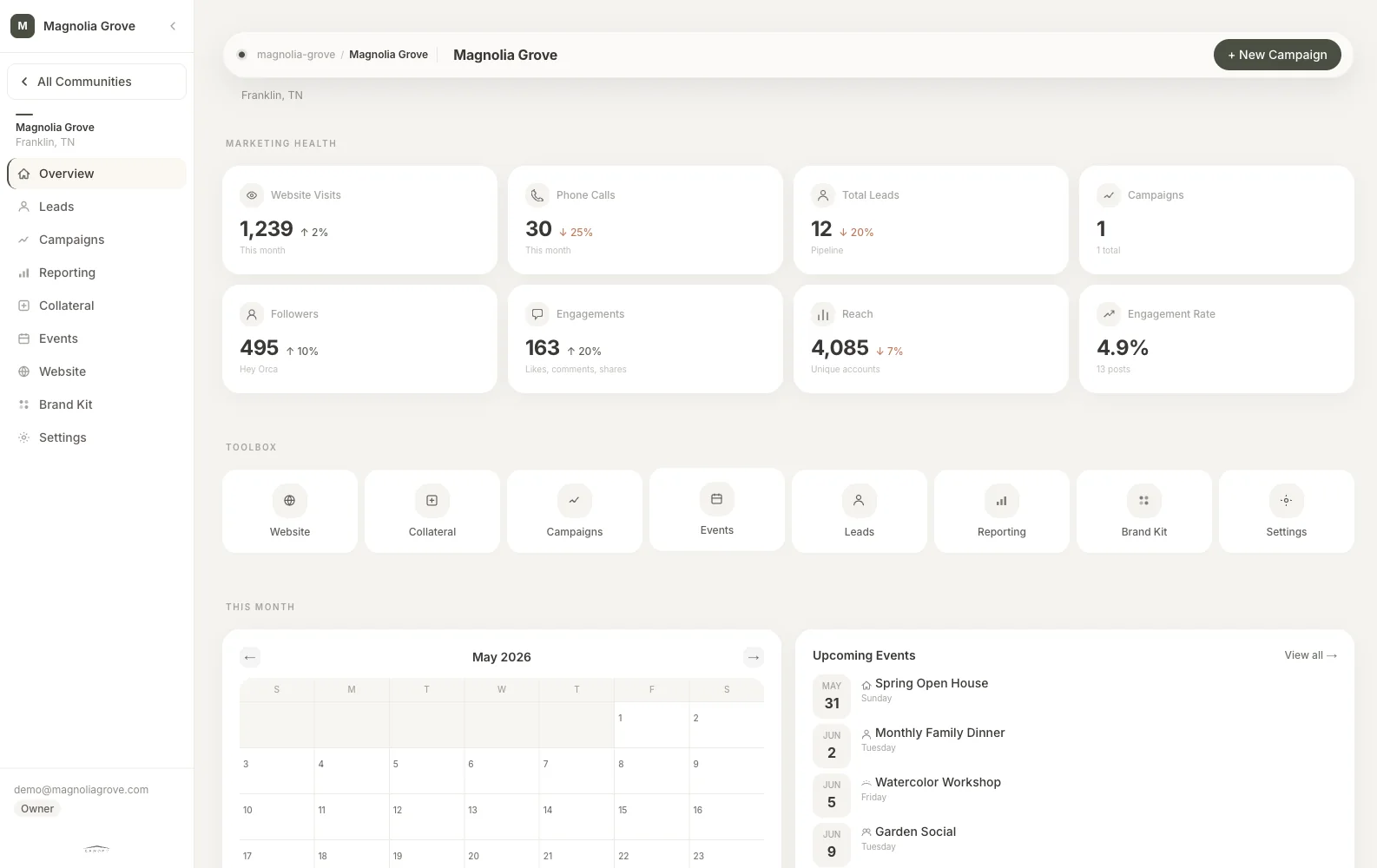
Calendar
Open House Week
4 events
MonYoga9:00
TueTour11:30
ThuBrunch10:00
SatOpen2:00
Canopy turns every event into branded promotion, measurable engagement, reusable content, and insight that makes the next event better.
Calendar
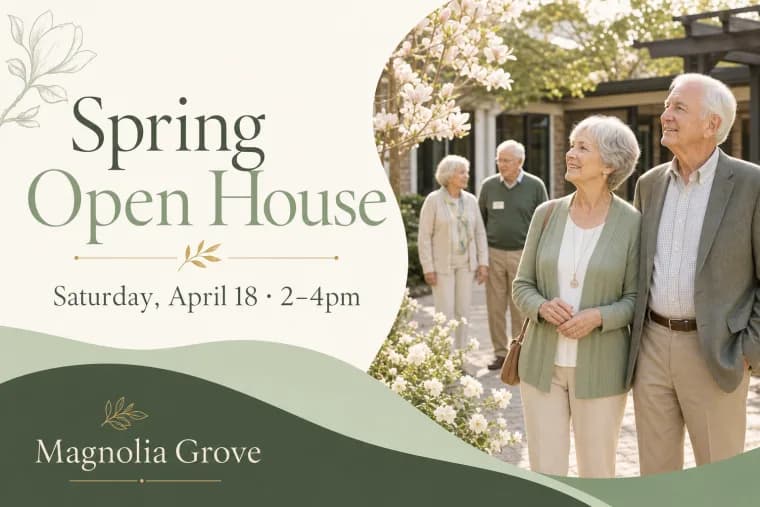
Flyer
Print-ready collateral from one event
Visits
12,840
Traffic from events and updates

Photos
Image batches sorted for content
Content Queue
Calls
312
Trackable inquiries from published content

Social
Campaign visuals for every channel
Reach
38.4K
Audience across active channels
Tours
86
Follow-up prompts created from activity
Event marketing, connected
Create the event once. Canopy builds the branded collateral, prepares promotion for each channel, organizes event photos, and connects engagement back to the event.
Add the event details, audience, and goal.
Generate coordinated flyers, emails, website listings, and social posts.
Turn event photos and highlights into follow-up content.
Connect website traffic, social engagement, RSVPs, and attendance to the event.
One event, every channel
Canopy keeps the event, its branded assets, promotion, engagement, and results connected from beginning to end.
See the system in action
See how the Summer Garden Social moves from planning to promotion, engagement, follow-up, and measurable results.
The event
Add the date, audience, details, and goal once. Canopy turns the event into the source of truth for everything that follows.
Summer Garden Social
Magnolia Grove · July 18
Built in your brand
Every flyer, post, email, and event page follows your community's colors, voice, and brand rules. Review, edit, or approve each piece before it goes out.
Your team stays in control of everything published.
Connect the channels you already use
Canopy connects the event to your website, social accounts, email platform, Google profile, and reporting. Update the event once and keep every channel aligned.
Publish event details and updates without entering them twice.
Create coordinated promotion from the same approved event brief.
Pass engagement and RSVP activity into the workflows your team already uses.
The complete event workflow
Manage dates, details, audiences, goals, and approvals in one place.
Generate branded flyers, emails, social posts, and website content.
Keep every published version accurate as event details change.
Organize event photos and turn them into timely follow-up content.
Connect web traffic, social activity, RSVPs, and attendance to the event.
Use past performance to improve timing, promotion, and programming.
Connect your events to every channel


Create, promote, and follow up on events without rebuilding the campaign for every channel.
Keep brand, messaging, publishing, and performance connected across communities.
See which events drive engagement across the portfolio and use those results to guide future planning.
Canopy connects event engagement, RSVPs, and attendance with the lead workflows your team already uses.
Yes. Publish live event calendars and event content through supported integrations or embeddable components.
Yes. Canopy prepares and coordinates content for the channels your team already manages.
Yes. Each community can maintain its own colors, logos, voice, templates, and approval rules.
Only when you want it to. Your team controls approval and publishing permissions.
Start with one community, connect its calendar and brand, and run one event through the complete workflow.
Bring an upcoming event and your community's brand. We'll show you how Canopy turns it into a connected campaign from planning through performance.